
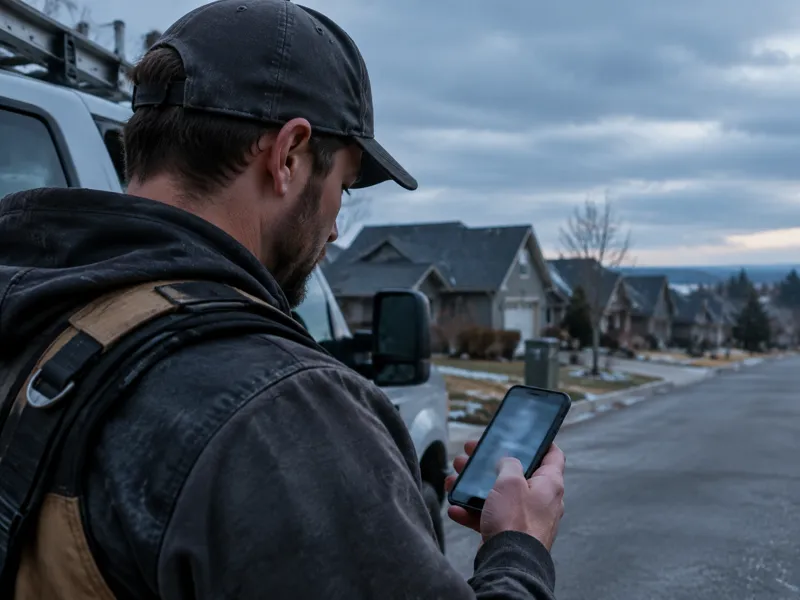
A homeowner is standing in her kitchen at 9 p.m. in January, watching water spread across the ceiling.
She picks up her phone and types roof leak repair. The roofer who shows up first gets the call.
I have tarped roofs the night before a storm. I know what a wet winter does to a crew's schedule and a phone line. NOAA says a strong to very strong El Niño is likely through March, and that makes this the winter to plan your Google ads for roofers before the first big storm, not during it.
What NOAA Says Your Winter Looks Like
NOAA's winter outlook covers December through February. It favors a wetter-than-average winter across the Southwest, the South, and the East Coast.
It leans drier in parts of the northern Rockies and the Great Lakes. The Intermountain West, northern Plains, and Ohio Valley get equal odds. If you roof in those areas, this is not your storm year, and the steps below are not for you.
If you roof in the wetter zones, the heavy weather is still ahead. As of NOAA's October 8 ENSO update, a strong to very strong El Niño is likely through March. NOAA also says El Niño impacts become more likely but are not guaranteed.
NOAA warns that heavy rain on dry ground can cause flash floods and mudslides. When a roof fails, the search starts on a phone.
Your competitor reads the same forecast. The roofer who sets his Google ads before the storm gets the call.
How to Set Up Google Ads for Roofers Before the Storms Hit
Six moves get you ready. Start this week, while rain is still a forecast.
- 01.
Pick your storm window.
Pull your call log from the last two winters. Find the weeks when leak and repair calls jumped, and mark them on your calendar. Your own phone records tell you when your market gets busy better than any forecast can. - 02.
Set the budget before the rain.
If your daily budget is too low, Google can stop showing your ads once it is spent. Storms do not wait for a quiet Tuesday morning. Decide now how much higher you will go the week a storm hits, and write the number down. Then set your ad hours to match when someone will actually answer the phone, nights included. - 03.
Write ads for the leak call.
Lead with what the homeowner typed, like roof leak repair or emergency roof repair. Promise only what your crew can deliver, like a same day inspection or tarping. The page she lands on has to keep that promise. Here is why your landing page has to match your ad. Block the words DIY, jobs, and salary so you do not pay for clicks from people who want a job or a how-to video. - 04.
Check Local Services Ads and your Google Business Profile.
Local Services Ads sit above the regular ads and the Maps Pack, so they are the first thing a homeowner sees. They are also moving into Google Ads, so read what changes when Local Services Ads move into Google Ads if your account has not moved yet. Then open your Google Business Profile and confirm your hours, phone number, and service area. That is what she reads before she calls. - 05.
Decide who answers at night.
A leak does not wait for office hours. Pick who picks up after dinner, whether that is you, a crew lead, or an answering service. Homeowners do not leave voicemails anymore, so a missed call goes to the next roofer on her list. - 06.
Write your scale up and pull back rules.
Pick the trigger before the storm. For example, raise your daily budget when the National Weather Service issues a flood or storm warning for your area. Drop it back when the rain stops. After each storm, count the calls, the booked roof inspections, and what you paid for each. That tells you what to spend in the next one.
Three Mistakes That Waste Your Storm Budget
- •Starting after the first storm. — Local Services Ads need Google's verification before they run, and that takes time. Ads written in a rush during a storm come out weak.
- •Spending more than your crew can handle. — More ad dollars bring more calls. If no one can take the work, you pay for calls that go to the next roofer.
- •Running storm ads in a dry market. — If NOAA does not favor a wet winter where you work, check your own call log before raising anything.
Google Ads for Roofers: Common Questions
►When should I raise my Google ads budget for a wet winter?
Set the number before the storm, not during it. NOAA's outlook covers December through February, so have your plan ready by December. Then raise the budget when a storm warning hits your area.
►Does El Niño mean every roofer should spend more on ads?
No. NOAA favors a wetter winter in the Southwest, the South, and the East Coast, and a drier one in parts of the northern Rockies and the Great Lakes. Check your own call log from past winters first.
►Are Local Services Ads or regular Google ads better for leak calls?
Local Services Ads sit above everything else and need Google's verification first. Regular ads give you control over keywords and your daily budget. If you can answer the phone day and night, running both gives you the most coverage.
►How do I know the ads paid off?
After each storm, count the calls, the booked roof inspections, and what you paid for each one. That number tells you what to spend next time.
The storm is coming whether your ads are ready or not. The Search-to-Booked Roofing System™ gets you found first when a homeowner searches, so the call comes to your phone and not the next roofer's.