
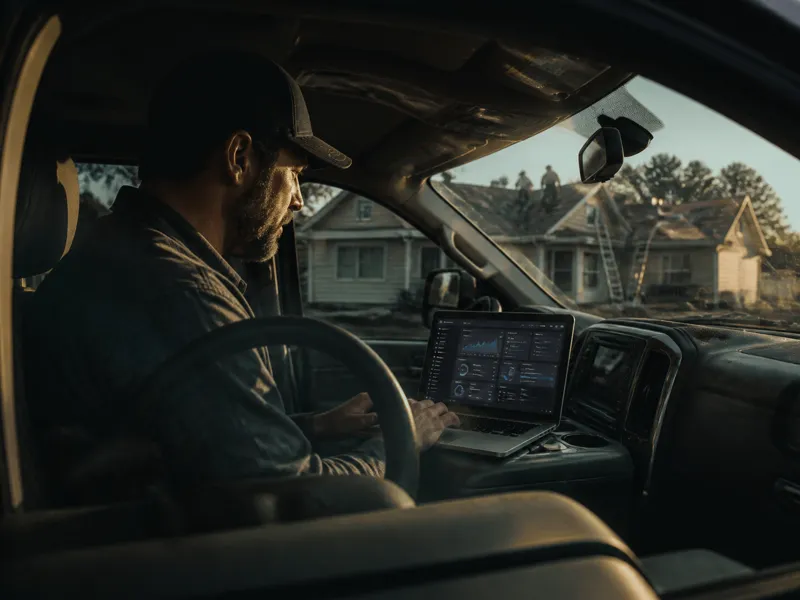
I have laid shingles. I have also spent thirty years in technology. When a new ad platform ships changes, most roofers do not have time to read the release notes. I do. Here is what matters.
ChatGPT Ads Manager is not a beta toy anymore. It now runs closer to Google Ads than most people realize. Conversion based bidding. Budget pacing. The ability to keep your ad money inside your own service area instead of leaking out to towns you do not work in.
If you already run ChatGPT ads for your roofing company, or you are about to, this is the walkthrough. Account setup to launched campaign. No guessing.
What You Need Before You Open ChatGPT Ads Manager
Do not open the wizard until you have this ready. Verification stalls more campaigns than anything else.
- •A business email, not a personal Gmail. Work email speeds up review.
- •Your legal business name, address, and EIN.
- •A credit card and a billing email for invoices.
- •A landing page. Your homepage does not count. Send clicks to a page built to convert the click.
- •Your business category. Roofing falls under local services. That category is eligible.
Verification runs through a service called Persona. Most legitimate roofing businesses clear in one to three business days. Some clear in twenty-four hours.
Three choices lock the moment you make them: currency, time zone, and advertiser type, business or individual. Get them right the first time. Changing any of them later means closing the account and starting over.
There is no minimum spend anymore. OpenAI dropped that requirement in May 2026. Start small and prove it works before you scale it.
Step 1: Create Your Account
Go to ads.openai.com. Sign in with your OpenAI account, or create one with your business email.
This is the account that owns your ChatGPT ad presence. Create it yourself.
Do not let an agency create it for you, even if you plan to hand off management later. OpenAI does not currently let agencies create advertiser accounts on your behalf. You have to be the owner of record.
Fill in your business information exactly how you want it to appear next to your ad. Your account name and your logo are what a homeowner sees when your ad shows up in their conversation. A blurry logo or a shortened business name costs you trust before the click.
Submit for verification, then keep building. You can set up your campaign while you wait. It just will not go live until verification, business review, and billing are all cleared.
Step 2: Pick Your Campaign Objective
You get a choice most roofers have never had on a search platform: tell ChatGPT Ads to optimize for clicks, or optimize for conversions.
Pick Conversions. This turns on optimized cost per click, oCPC.
You still pay per click, but the system learns which clicks are more likely to turn into a lead and pushes your budget toward those. You are not paying the same price for a homeowner who bounces as you are for one who fills out your form.
oCPC needs a signal to learn from. That signal is a conversion event on your landing page, a form submission, a call click, a booking.
Set that tracking up before you launch, not after. An oCPC campaign with no conversion data is just a CPC campaign with extra steps.
Step 3: Set Your Service Area
Your service area is not optional. This is where geo exclusions matter most.
ChatGPT Ads Manager lets you target by country, region, DMA, and postal code, and exclude locations the same way. Set your inclusion first: the postal codes and regions where you actually run crews.
Then use the exclusion field to cut anything on the edge. A user in an excluded zip will never see your ad, even if the rest of their profile matches.
This matters because ChatGPT Ads targets conversation context, not just location. A homeowner three counties over can still trigger your ad if their question sounds like your customer's question. Exclusions are how you stop paying for that click.
Roofers who skip this step burn budget on leads they cannot service. Set your service area before you set your budget, not after.
Step 4: Set Your Budget
As of the week of July 24, 2026, ChatGPT Ads Manager stopped locking your budget to a single day. Now it averages your spend across a rolling seven-day window, so a good day can run higher and a slow day can run lower, as long as the week balances out.
Do not panic if Tuesday looks like you spent double your daily number. Check the week, not the day.
Budgets are also paced automatically throughout the day now. The system spreads your spend instead of burning it in the first few hours.
That means your ad has a real shot at showing up in the evening, when a homeowner is on the couch after finding the leak, not just during business hours.
Set your budget based on your market size and how many jobs your crew can take on in a week. If you are testing, fifty to one hundred dollars a day gives you enough volume to read real results inside two to three weeks.
Step 5: Write Your Ad and Launch
Your ad is not a billboard. It answers a question inside a conversation. Write it that way.
Lead with the outcome, not your company name. A homeowner asking about a leak wants to know you fix leaks fast, not that you have been in business since 1998.
Your landing page has to match what the ad promised. If the ad talks about emergency repair, the page better open with emergency repair, not a general services list.
Submit for review. Individual ad approval usually lands inside twenty-four hours once your account is verified.
Once it is live, do not touch it for at least a week. You need real data before you make a change, not a gut feeling on day two. When you are ready to see which ad actually booked the job, that is the next piece to read.
►How much does it cost to start advertising on ChatGPT?
There is no platform minimum anymore. Most roofers testing the waters run fifty to one hundred dollars a day to get enough data inside two to three weeks.
►How is ChatGPT Ads different from Google Ads?
You are not bidding on keywords. ChatGPT matches your ad to the context of the conversation. Your targeting lives in a short description of who you serve and what problem you solve, not a keyword list.
►How long before I see results?
Give it two to three weeks of live spend before you judge it. Verification and ad approval eat the first few days. The system also needs real conversion data before oCPC starts working the way it should.
Setting up ChatGPT Ads Manager gets you into the conversation. The Search-to-Booked Roofing System™ is built to make sure you show up in it consistently, on Google, on Maps, and on ChatGPT, without you running the account yourself.